
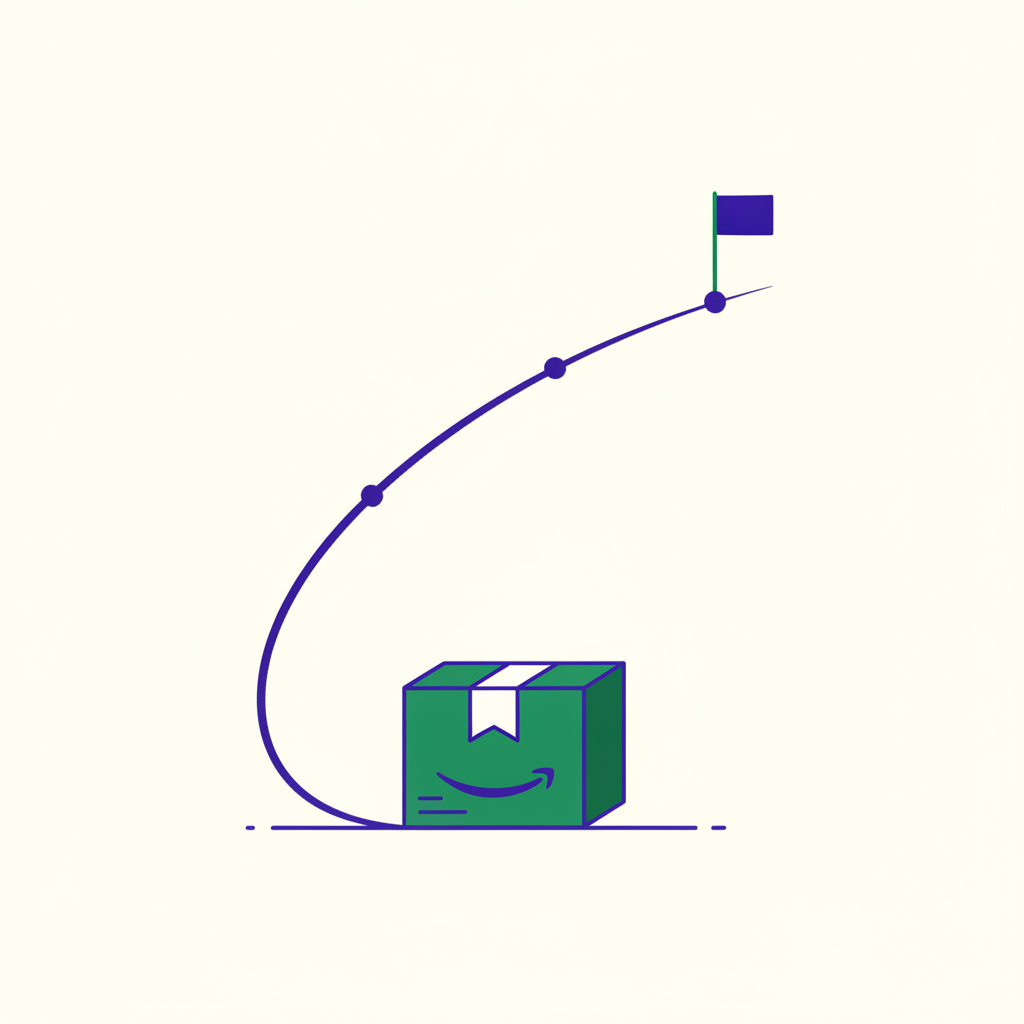
A launch is a velocity problem
A new ASIN arrives with nothing Amazon can use. No sales history, no reviews, no click-through data, and no evidence that anyone who lands on the page will actually buy. Search has no reason to show it, and shoppers have no reason to trust it.
So the real job of a launch is not “get sales”. It is to manufacture evidence — enough conversions, fast enough, on the right search terms — that Amazon can start ranking you on merit. Nearly every dollar you spend in the first month is buying data and rank, not profit.
Produce that evidence quickly and organic traffic starts arriving for free, which is the flywheel from the White Belt guide. Produce it slowly, or on the wrong keywords, and you will pay for every click your product ever receives.
- ▸Listing converts
- ▸Keywords indexed
- ▸Vine enrolled
- ▸Inventory deep
- ▸Few head terms, exact
- ▸Auto campaign to discover
- ▸Negatives from week one
- ▸Scale winners hard
- ▸Harvest auto into exact
- ▸Accept an ugly ACoS
- ▸Cut what never converted
- ▸Hold an efficiency target
- ▸Watch TACoS fall
The launch is finished when the green half is growing on its own. Until then you are buying the evidence that makes it grow.
The cold-start problem
Amazon ranks a listing on a search term largely from how that listing has recently performed on that term: does it get clicked, and does the click convert. A brand-new ASIN has no answer to either question, so there is nothing to rank.
That is the trap. You cannot earn organic rank without sales, and you cannot get organic sales without rank. Advertising is the only lever that manufactures the missing data on demand — it lets you buy the impressions that organic will not yet give you, and turn them into the conversion record that organic rank is built from.
This is also why launch is the second belt and not the first. Ads can buy traffic, but they cannot make a bad page convert. Sending paid clicks to a listing that does not convert does not just waste the money — it writes exactly the wrong evidence into your record.
- ✓Conversion history on dozens of terms
- ✓Reviews that clear the trust bar
- ✓Established relevance and indexing
- ✓Organic sales funding the ad budget
- –No performance record at all
- –Zero or near-zero reviews
- –Indexing that may still be settling
- –Ads as the only source of traffic
The “honeymoon period”: what is true and what is folklore
You will read everywhere that Amazon grants new listings an artificial ranking boost for the first 2 to 4 weeks, and that this window closes on a timer. Treat that claim with care. Amazon has never documented or confirmed any such boost anywhere in its New Seller Guide or its new-ASIN advertising playbook, and seller experiments on it contradict each other — some report a clear early lift, others find that established products outrank new ones from day one.
What is defensible is narrower and more useful: ranking leans on recent performance rather than lifetime totals. A new ASIN is not being punished for having no history, it is simply unproven. And because your first conversions are a large share of a very small sample, early results move your rank faster — in both directions — than the same results would once you have thousands of sessions behind you.
The practical advice barely changes: move fast and concentrate your effort. But the reasoning matters, because believing in a fixed timer leads people to do genuinely destructive things.
Launch-ready before launch day
Do not advertise into a weak page. Your White Belt work has to be finished first, or you are paying to teach Amazon that your product does not convert. Amazon’s own pre-launch advice is the same — review the detail page, inventory and pricing first. Run this gate before a single campaign goes live:
- A main image that wins the click at thumbnail size on a phone.
- Title, bullets and A+ content that answer the buying question without scrolling.
- Your priority keywords actually indexed, so your ads are even eligible to serve.
- A price that is defensible against the top of page one, or a reason it is higher.
- Enough reviews, or a review plan already in motion, to clear the trust bar.
- Inventory depth to survive a velocity spike without going out of stock.
- Fulfilment set to FBA if you intend to use Vine or want Prime badging.
Inventory: the most expensive launch mistake
Running out of stock mid-launch is the single most costly error on this list, and it is entirely self-inflicted. When you go out of stock the offer stops being purchasable, your ads stop serving, the rank you spent real money buying decays, and you restart much of the climb when stock lands — except now with a spend record and nothing to show for it.
Plan depth from your target velocity, not your average one. If the launch works you will sell faster than your forecast, which is precisely when the stockout hits.
The lost sales during the gap are the cheap part. The expensive part is that rank decays while you are unpurchasable, so the climb restarts from lower down — paid for twice.

Reviews and the trust threshold
Price-sensitive shoppers will forgive a new brand. They will rarely forgive zero reviews next to a competitor showing four hundred. Early reviews are not vanity — they are a conversion input, and conversion is what your whole launch is trying to prove.
The only safe routes are the official ones. Incentivised reviews, review-for-refund arrangements and inserts that ask for positive reviews all violate Amazon’s policies and put the account at risk. Use the Request a Review button, and for a new product use Amazon Vine.
Retain up to 2 reviews
Retain up to 10 reviews
Retain up to 30 reviews
- ✓Professional selling account
- ✓Brand enrolled in Brand Registry
- ✓FBA offer on the listing
- ✓Images and a description present
- ✓Fewer than 30 existing reviews
- ✓Not adult, digital or bundled
You are not billed until 30 days after enrolment and after your first review publishes. If no Vine review appears within 90 days, there is no charge. Fees shown are US; other marketplaces differ and Amazon revises them periodically.
How Vine actually works
Vine puts your product in front of Amazon’s own invited reviewers, who receive a free unit and leave an honest review. You cannot influence what they say, and a mediocre product will collect mediocre reviews — which is a reason to fix the product, not to avoid the programme.
The eligibility rules are strict: a Professional selling account, the brand enrolled in Brand Registry, an FBA offer, a listing with images and a description, and fewer than 30 existing reviews on the detail page. Billing is unusually forgiving — you are not charged until 30 days after enrolment and after your first review publishes, and if no Vine review appears within 90 days you are not charged at all. Amazon publishes the current enrolment fees and eligibility rules, and revises them periodically.

Master Sifu — Enrol in Vine before you switch the ads on, not after. Reviews take weeks to appear, and every paid click that lands on a zero-review page converts worse than the same click would a fortnight later.
Price like you are renting margin
Price is a conversion lever, and at launch conversion is the thing you are buying. A price a few points under the page-one median costs you margin on every unit, but it lifts conversion on every session — and conversion is what compounds into rank.
Think of the discount as part of the launch budget rather than a pricing decision. The question is not “can I afford this margin”, it is “does this margin buy rank more cheaply than an equivalent amount of ad spend”. Often it does, because a lower price improves your organic conversion too, not just your paid.
Just be careful on the way back up. Raising price sharply once reviews arrive can visibly dent conversion, so step it up gradually and watch the rate as you go.
The launch campaign stack
Open with a deliberately narrow structure. Spraying budget across every keyword you can think of produces a thin layer of data on everything and a conclusive answer about nothing.
Amazon’s own new-ASIN launch playbook recommends running automatic and manual targeting together rather than choosing between them, and that holds up in practice:
- Finds terms you would never guess
- Not meant to be profitable
- Its output is a list, not a result
converters
the same term
- Your few best head terms
- Bid to win visible placement
- These are the ranks you want
Promote a term into exact and negate it in auto at the same time, or your two campaigns bid against each other for the same impression.
- Exact match on the handful of head terms you are confident describe the product. Bid to win visible placement — these are the searches whose rank you actually want.
- An automatic campaign running alongside as a discovery engine, surfacing converting terms you would never have guessed.
- Negative targeting from week one, so the auto campaign stops funding searches that will never convert.
- Sponsored Brands once you have a few ASINs and Brand Registry, to hold the top of the page. Amazon reports advertisers using Sponsored Brands see materially higher sales after thirteen weeks, though that is their own figure and self-selected.
Bidding in the launch window
At launch you have no performance data, so you have no basis for a clever bid. Start from Amazon’s suggested bid, which is derived from what is currently winning the auction, and adjust from there once your own numbers arrive.
Expect to bid above your eventual steady-state target. You are competing against listings with conversion histories, and the auction weighs expected conversion — an unproven ASIN often has to pay more per click for the same placement. That premium shrinks as your own conversion record builds, which is one of the clearest signals that the launch is working.
Pace the budget across 30, 60 and 90 days
Ramp, do not dump. Pouring the full budget into day one of an unproven page burns cash and teaches you very little, because you cannot tell whether a bad result came from the page, the keywords or the bids.
A workable shape: spend the first fortnight proving conversion on a narrow set of terms, the next few weeks scaling the winners hard while the evidence is cheap to move, and the final stretch converting a launch into a business — pulling spend off terms that never converted and letting the profitable ones run.
Note what is not happening: ad spend is not climbing. A launch that works shows TACoS falling while paid sales hold flat, because the growth underneath it is organic.
- Days 1–14 — narrow and prove. Small term set, enough budget that each term gets a real sample. You are answering “does this convert at all”.
- Days 15–45 — scale what worked. Raise budgets and bids on converting terms only. This is where most of the rank is bought.
- Days 46–90 — consolidate. Harvest, negate, and start holding the account to a real efficiency target.
Harvest what discovery finds
The automatic campaign is not there to be profitable. It is there to tell you which searches convert, and its output is a list of terms to promote.
Once a search term in the auto campaign has converted a few times, move it into an exact-match ad group where you can bid on it deliberately, and add it as a negative in the auto campaign so the two stop competing for the same impression. Terms that spent real money and never converted get negated outright.
That loop — discover, promote, negate — is the engine of the Green Belt keyword work, and a launch is where you seed it.
What “working” looks like at day 7, 14 and 30
A launch is a daily-trend story, not a weekly average. Averaging over a week hides exactly the movement you need to see. These are the checkpoints worth holding yourself to:
When your ACoS is allowed to be ugly
During a launch a high ACoS is not a failure, it is the price of the data. You are deliberately buying rank and reviews, and chasing a comfortable ACoS in week one is the most common way to strangle a launch — you starve it of the volume that would have earned the rank that eventually makes it cheap.
But “launch mode” has to end, or it becomes a permanent excuse. Leave it when your organic share of sales is climbing week over week, your converting terms are identified and structured, and your cost per click on those terms has started falling as your conversion record builds.
If none of those are moving after a month of real spend, the problem is not the budget. It is the page, the price or the keyword choice — and more spend will only buy you more evidence that it is not working.
Launch pitfalls to avoid
- ✓Fix the listing before spending a dollar
- ✓Enrol in Vine before the ads go live
- ✓Over-order inventory for the good case
- ✓Concentrate spend on few terms first
- ✓Harvest winners into exact match
- ✓Judge on daily trend, not weekly average
- –Advertising into a page that does not convert
- –Recreating the listing to “reset” anything
- –Trickle-spending across fifty keywords
- –Chasing a low ACoS in week one
- –Going out of stock mid-ramp
- –Staying in launch mode for six months
Run the launch without watching it all day
A launch needs watching daily, which is exactly the kind of attention that does not survive a busy week. Track rank movement and sales velocity day over day so you can tell the difference between a slow start and a broken one — and so you know the moment to pour on budget or stop and fix the page.
Set the guardrails up front: budget caps so a runaway term cannot eat the launch, and alerts on the two things that silently end launches — a converting campaign hitting its daily cap, and inventory dropping toward your lead time.
Master Sifu — Alert on the boring, expensive failures rather than the interesting ones. Nobody has ever regretted being told about a stockout three days early — plenty of people have regretted watching a dashboard instead of setting the warning.
Common questions
How long does an Amazon product launch take?
Plan in three stages rather than one date. By day 7 you want clicks arriving and the first conversions proving the page works; by day 14 you want repeatable sales on a handful of terms; by day 30 you want organic rank appearing for those terms so ads are no longer carrying every sale.
What is an acceptable ACoS during a launch?
Higher than your break-even, deliberately. During a launch you are buying evidence and rank rather than profit on that unit, so a temporarily ugly ACoS is the cost of the velocity. What matters is that it falls over time — a launch that is working shows TACoS dropping even while ad spend holds flat.
Should I use Amazon Vine when launching a product?
Enrol before you switch the ads on, not after. Vine reviews take weeks to appear, and every paid click landing on a zero-review page converts worse than the same click would a month later — so paying for traffic before the reviews arrive wastes the traffic and the money.
How much budget do I need to launch a product on Amazon?
There is no universal figure — work it out from the target instead. Decide the sales you need, divide by your expected conversion rate to get the clicks, and multiply by your expected CPC. Then pace that across 30, 60 and 90 days rather than spending it in the first fortnight.
What is the most expensive mistake in an Amazon launch?
Running out of stock. A stockout does not pause your progress, it erases it: you have paid to build the velocity that earns rank, and going dark hands that rank to a competitor. Recovering it costs more than the inventory would have.
Sources
Primary documentation this guide is built on. Amazon revises programme rules and fees, so check the source before acting on a number.
- 1Amazon Vine — enrolment tiers, fees and eligibility — Amazon
- 2Launching new products and ASINs with Amazon Ads — Amazon Ads
- 3Guide to dynamic bidding with Sponsored Products — Amazon Ads
- 4Sponsored Products best practices — Amazon Ads
- 5How to create your new product launch strategy — Amazon Ads
- 6Drive sales in your first 90 days with the New Seller Guide — Amazon